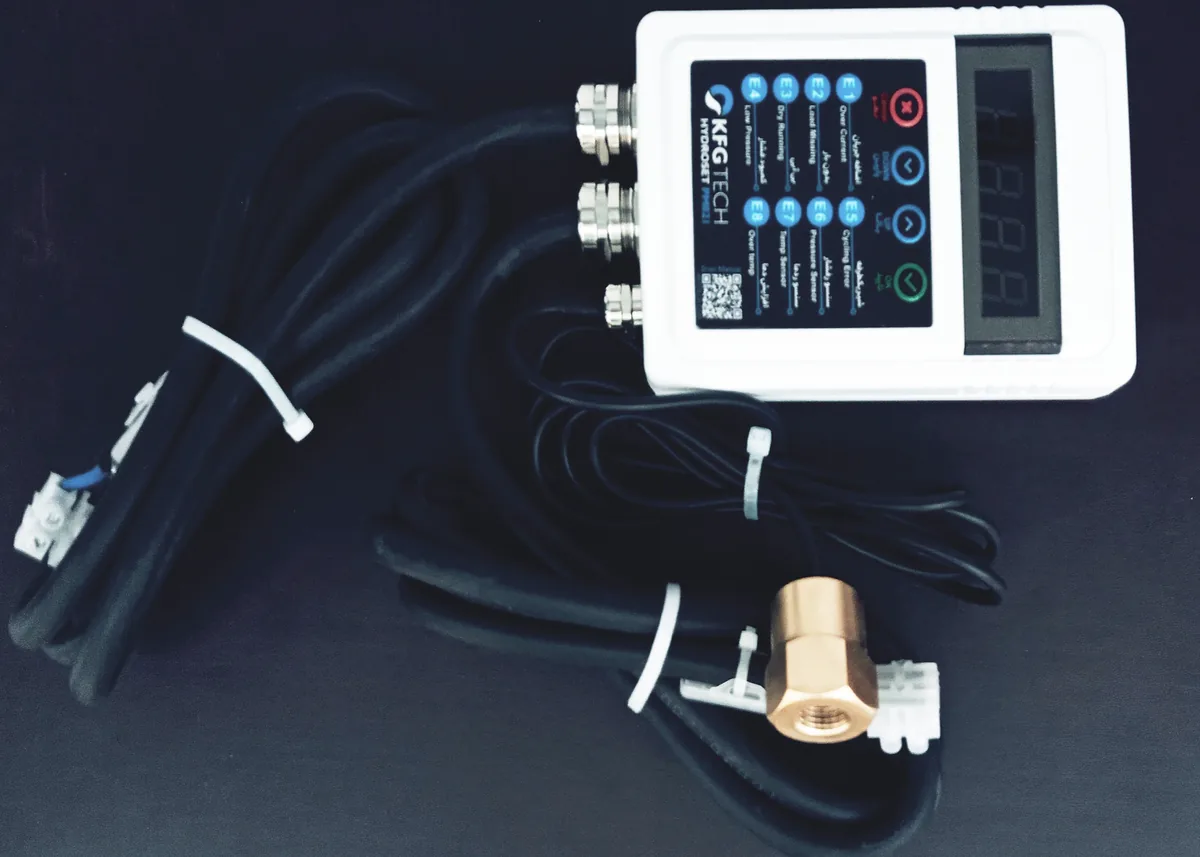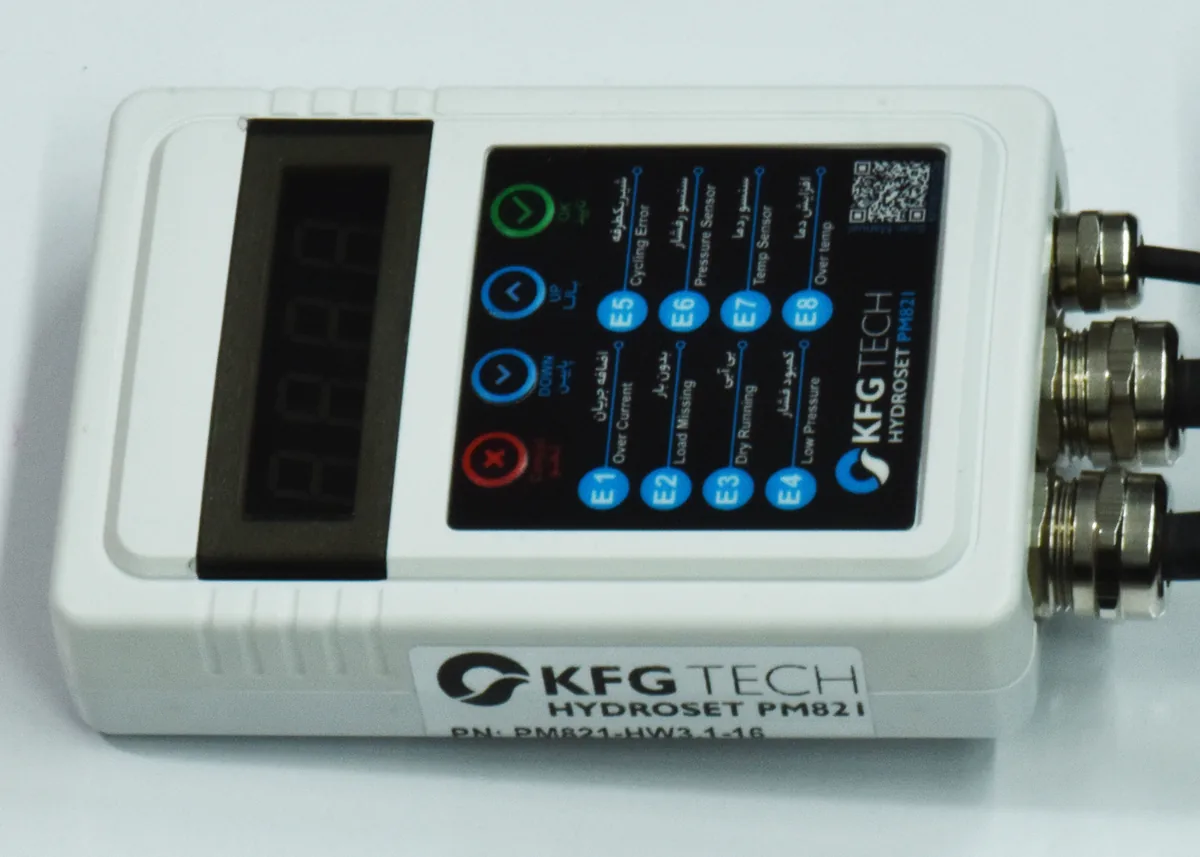
Every fault flashes on the four-digit display and stops the pump. What each code means, the likely cause, and the steps to clear it in order.
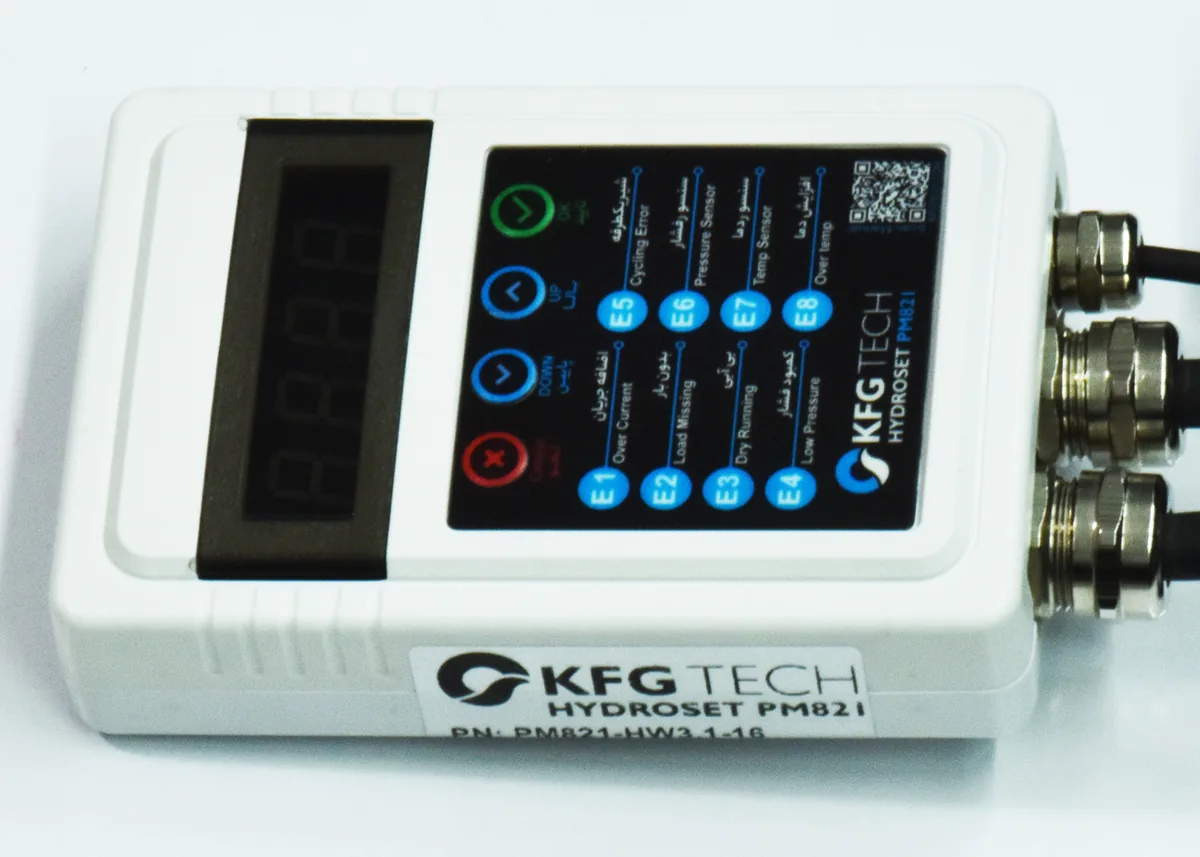
When a fault occurs, the HYDROSET display flashes the code and the pump stops. The codes are also printed on the enclosure. To clear a fault, press the Cancel key on the main screen.
At a glance
| Code | Fault | Meaning |
|---|---|---|
| E1 | Over current | the pump current is above the set limit |
| E2 | Load missing | the unit sees no current at all |
| E3 | Dry running by current | water is not reaching the pump |
| E4 | Dry running by pressure | the pressure does not build up |
| E5 | Cycling error | printed on the device |
| E6 | Pressure sensor | the sensor cable is broken or the sensor failed |
| E7 | Temperature sensor | the internal sensor failed |
| E8 | Over temperature | the inside of the unit is too hot |
E1 — over current
- Compare F3 with the current on the pump nameplate.
- Make sure the pump is not more powerful than the model rating.
- Clear the fault and start the pump again.
- If it returns, contact your dealer.
E2 — load missing
- Check the cable between the unit and the pump, and its terminals.
- Check the pump capacitor.
- Check the pump temperature; the thermal switch inside may have cut the current. Let it cool.
- Clear the fault, and contact your dealer if it returns.
E3 — dry running detected by current
- Make sure water reaches the pump inlet.
- Open the pump inlet valve fully.
- Bleed the pump.
- If there is water and the fault keeps returning, reduce F4 slightly.
This fault clears by itself once the water returns; the unit retries every F6 minutes.
If the output drives a contactor, the pump current does not pass through the unit. Set F4 to 0 so E3 is ignored and detect dry running by pressure (F10).
E4 — dry running detected by pressure
- Make sure water reaches the pump inlet.
- Check F10; it must be lower than the normal working pressure.
- Check where the sensor is fitted; it must sit after the check valve.
- Check the bypass valve — it may look closed but still leak.
E6 — pressure sensor
- Check the green light on the back of the sensor. If it is off, the sensor or its cable is faulty.
- Inspect the sensor cable along its length.
- If the problem remains, replace the sensor.
E7 — temperature sensor
Clear the fault. If it returns, the unit needs service; contact your dealer.
E8 — over temperature
- Wait a few minutes for the unit to cool.
- Improve ventilation and keep it out of direct sunlight.
- If it returns, compare the pump power with the model rating.
This fault clears by itself once the unit has cooled.