A pump with air in it delivers no water and runs dry. The signs, why a pump takes in air, priming step by step, and what the pump controller does afterwards.
A domestic water pump has to be full of water to work. If air collects inside the pump body or the suction pipe, the impeller spins in air, no water comes out and the pressure doesn't rise. This is called an air-locked pump. An air-locked pump is in effect running dry, and if it isn't stopped quickly, it gets damaged.
Signs of air in the pump
- The pump runs but gives no water, or the water comes out weak and in spurts.
- The pressure on the controller display or on the vessel's pressure gauge doesn't rise.
- The pump sounds different from usual.
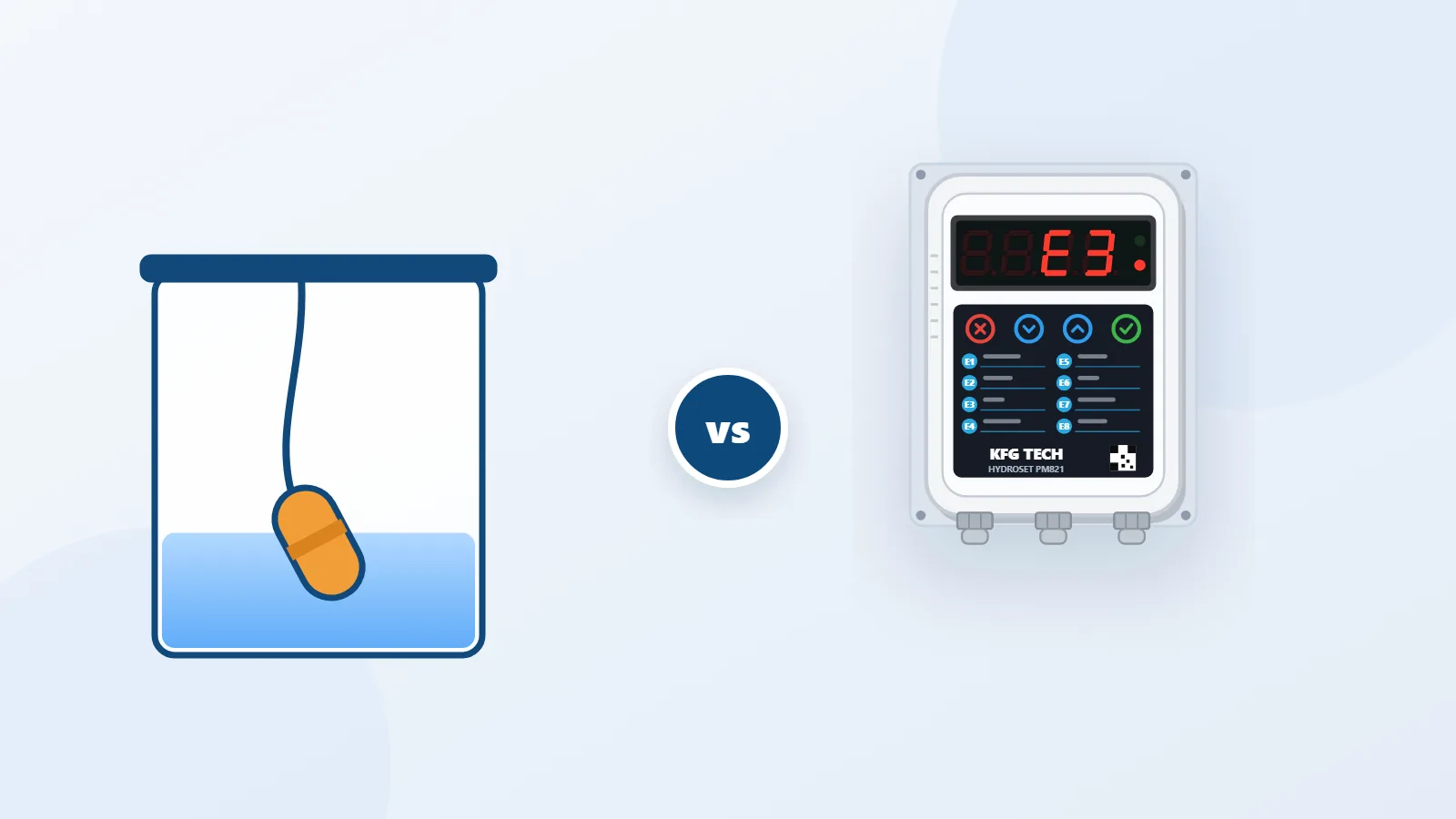
- The HYDROSET controller shows fault E3 or E4.
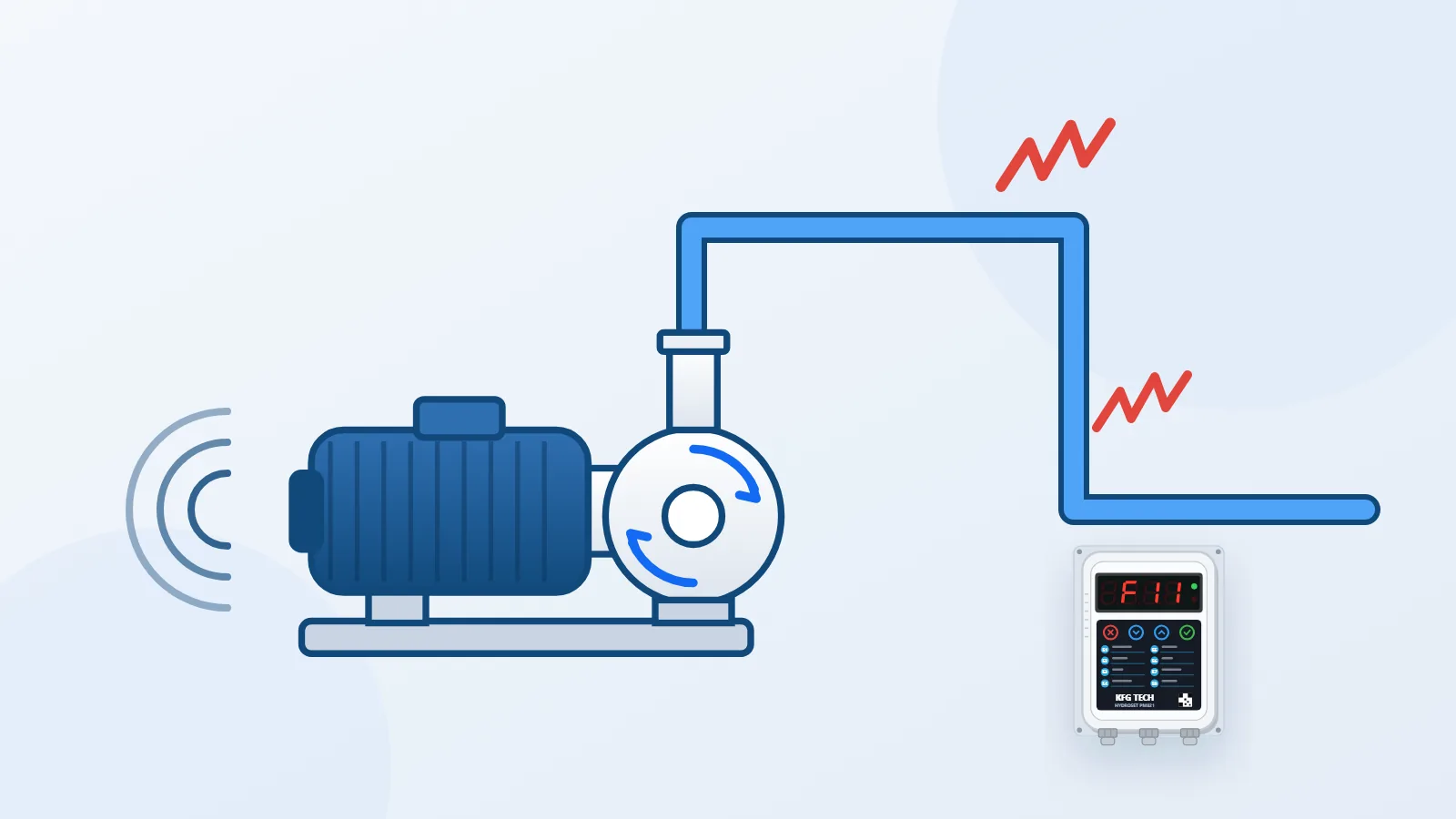
In an air-locked pump the current the pump draws falls, because the impeller isn't moving any water. HYDROSET sees exactly that drop in current: if the current goes below F4 and stays there for the F5 time, it stops the pump and shows E3. If the pressure doesn't reach F10, it shows E4.
Why a pump takes in air
- After a repair or a drain-down: when the pump or the pipes have been emptied.
- An empty storage tank or a water cut: the pump has drawn all the water it had, and then air entered the line.
- A leak in the suction line: a joint that lets no water out may still draw air in.
- A half-open inlet valve or a blocked strainer: not enough water reaches the pump.
Priming step by step
- Switch off the pump at its miniature circuit breaker.
- Open the pump inlet valve fully.
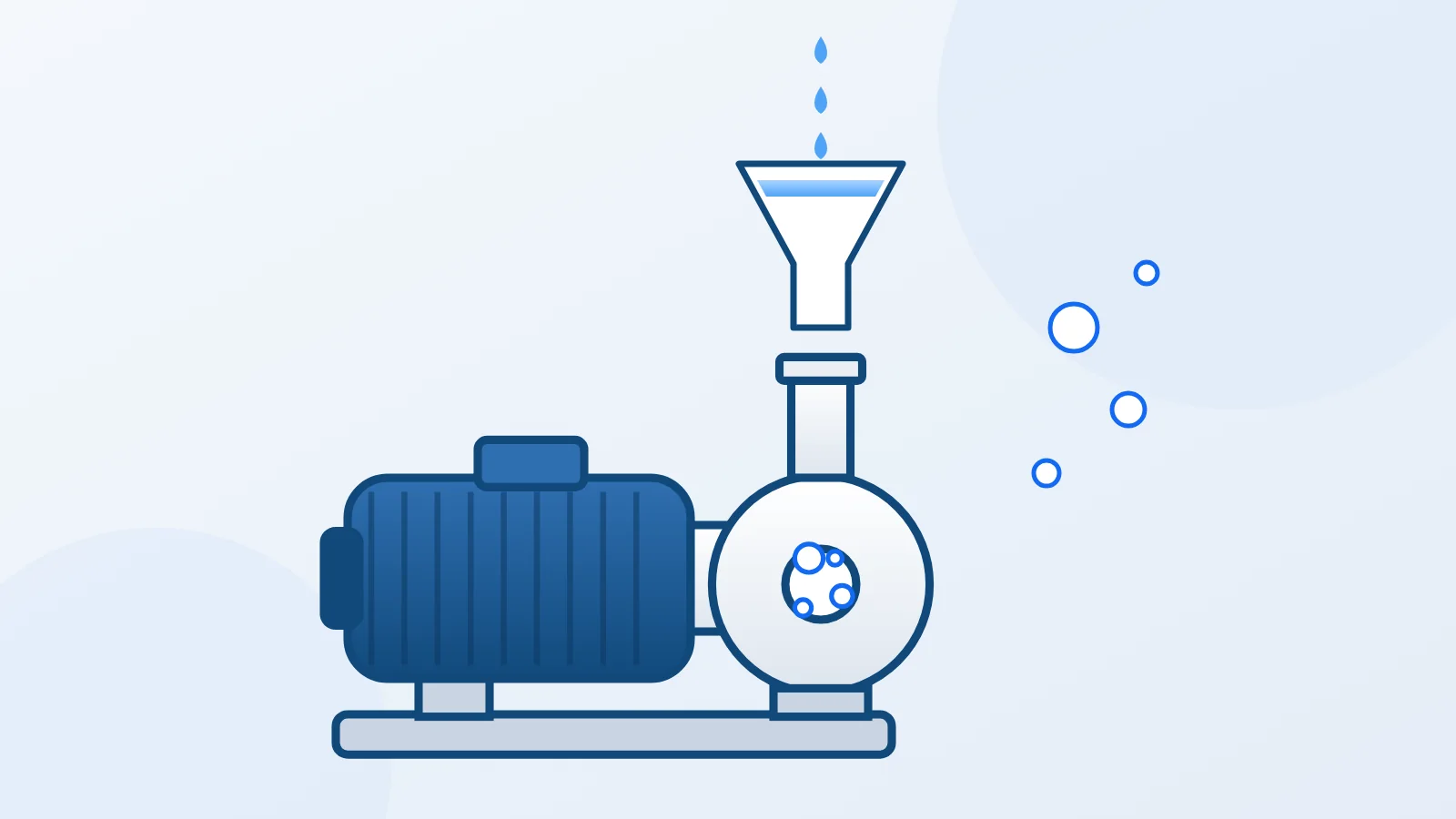
- Open the bleed screw or the filler plug on the pump body.
- Pour in water, or let water from the tank flow in, until water with no bubbles comes out of the screw opening.
- Close the screw.
- Switch the power back on and open a tap.
- If the pressure doesn't come up, switch off the power and repeat the steps. Don't leave the pump running without water for long.
The position of the bleed screw differs from pump to pump. If you're not sure, check your own pump's manual.
What the pump controller does after priming
Faults E3 and E4 clear by themselves once water arrives. The unit retries once every F6 minutes, and the factory value of F6 is twenty minutes. If you don't want to wait, clear the fault with the Cancel key on the main screen so the pump tries again.
If there is water, the pump has been primed and E3 still appears, F4 may be set higher than the pump's normal working current. How to set F4 correctly is in How to set a water pump controller.
Preventing air in the pump
- Always keep the pump inlet valve fully open.
- Clean the suction strainer periodically.
- Keep the suction line joints sound and tight.
- After every repair or drain-down, prime the pump before switching it on.
When the water is cut off, what matters is that the pump doesn't run dry. Why pumps run dry and how to stop them burning out explains how the pump controller detects that condition.