Water pump won't start? First see what the pump controller display shows. From power and the 30-second start-up to fault codes, the F7 delay, the capacitor and the pump's thermal switch, in order.
When you open a tap and the pump does not start, the pump is not always faulty. In a building with a smart pump controller, the unit sometimes keeps the pump off on purpose to protect it. The quickest way to find the cause is to look first at what the controller display shows.
The display is off
The unit has no power.
- Check the miniature circuit breaker in the panel. A breaker smaller than needed trips when the pump starts. The right breaker for each model is in the table in the pump controller selection guide.
- HYDROSET's operating voltage is 180 to 240 V single-phase.
- Check the input wire's connection to the terminal. A loose connection both cuts the power and heats the terminal.
The unit has just been powered
After power is connected, the unit shows its name and prepares for about 30 seconds. The pump does not start during that time. If the power has only just come back, wait a little.
A fault code is flashing
When a fault occurs, the display flashes the fault code and the pump stays off. This is not a breakdown; it is protection.
| Code | What happened | What to do |
|---|---|---|
| E1 | The pump current is above F3 | Compare F3 with the pump nameplate |
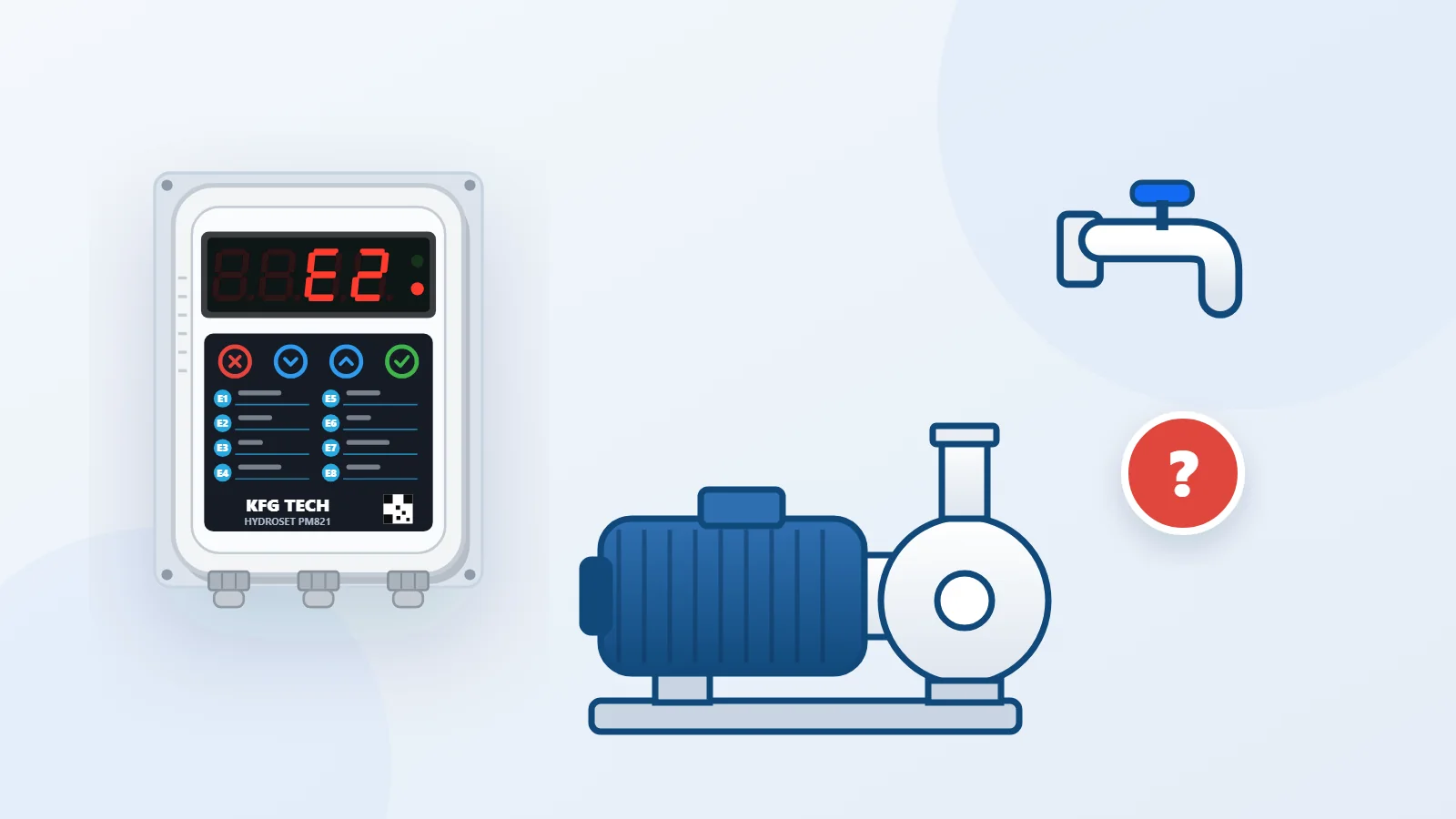
| E2 | The unit sees no current from the pump | Wire and terminal, capacitor, pump temperature |
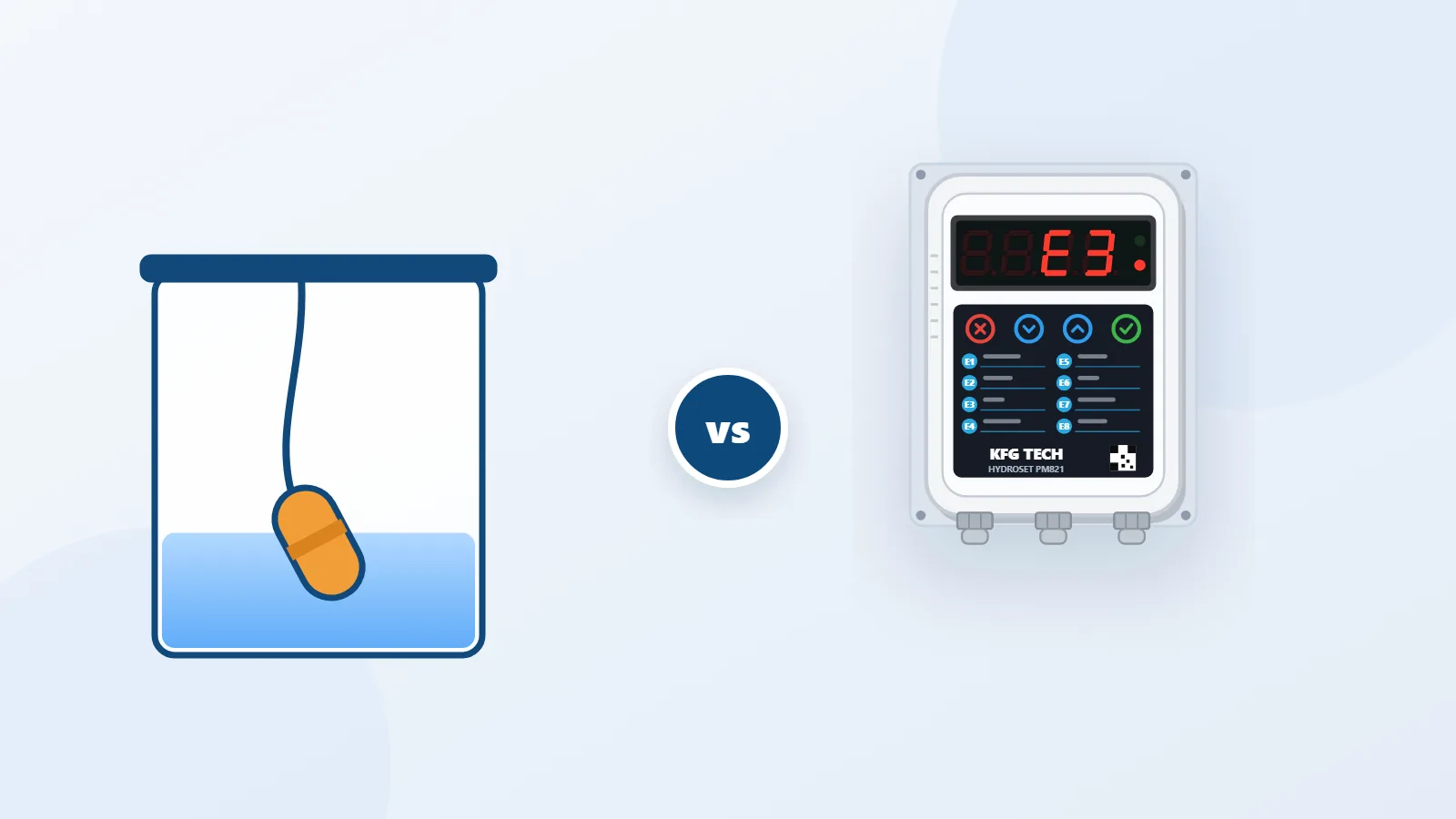
| E3 | Water is not reaching the pump (by current) | Inlet water, inlet valve, bleeding the pump |
| E4 | The pressure does not build | Inlet water, F10, sensor position |
| E6 | Pressure sensor | Green light on the back of the sensor |
With E3 and E4 the unit retries by itself every F6 minutes, and the factory value of F6 is twenty minutes. So after the water returns, the pump may stay silent for up to twenty minutes. If the water is back, clear the fault with the Cancel key on the main screen.
The cause and the steps to clear all eight codes are in the list of fault codes.
There is still enough pressure
The pump starts only when the line pressure falls below F2. The factory value of F2 is one and a half bar. If the building has a pressure vessel, the water in the vessel covers short draws, and the pump does not start when a single tap is opened for a few seconds. This is correct behaviour, not a fault.
Start delay (F7)
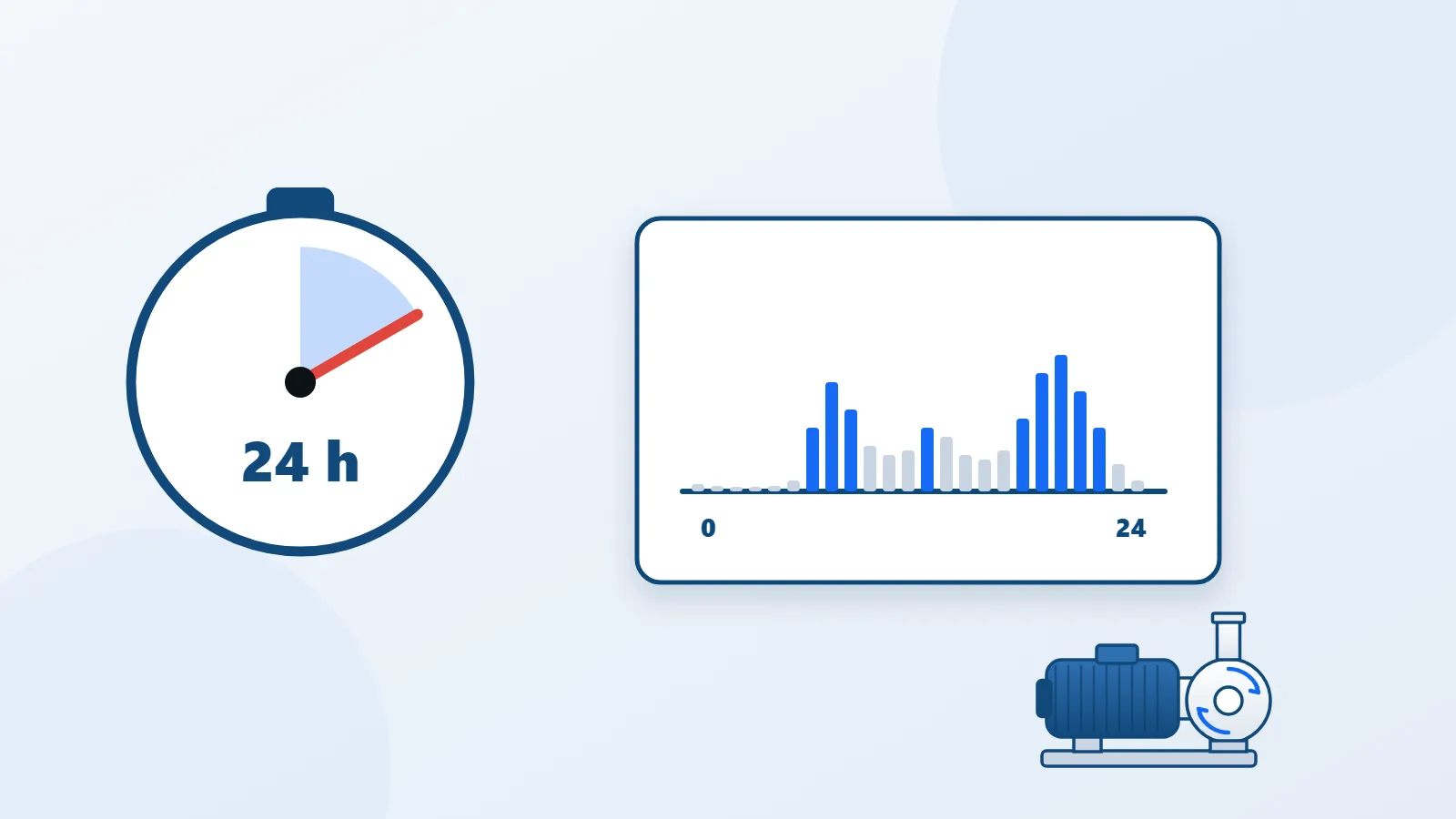
Parameter F7 sets how many seconds the pump waits after the pressure drops. Its range is 0 to 600 seconds and the factory value is 0. If it has been changed, the pump may start up to ten minutes late.
The sensor's green light is not on
There is a green light on the back of the HYDROSET pressure sensor. It being lit means the sensor is powered and sound. If it is off, the sensor or its cable is faulty and the unit shows E6. Inspect the cable along its length, and if the problem remains, replace the sensor.
The pump hums but does not turn
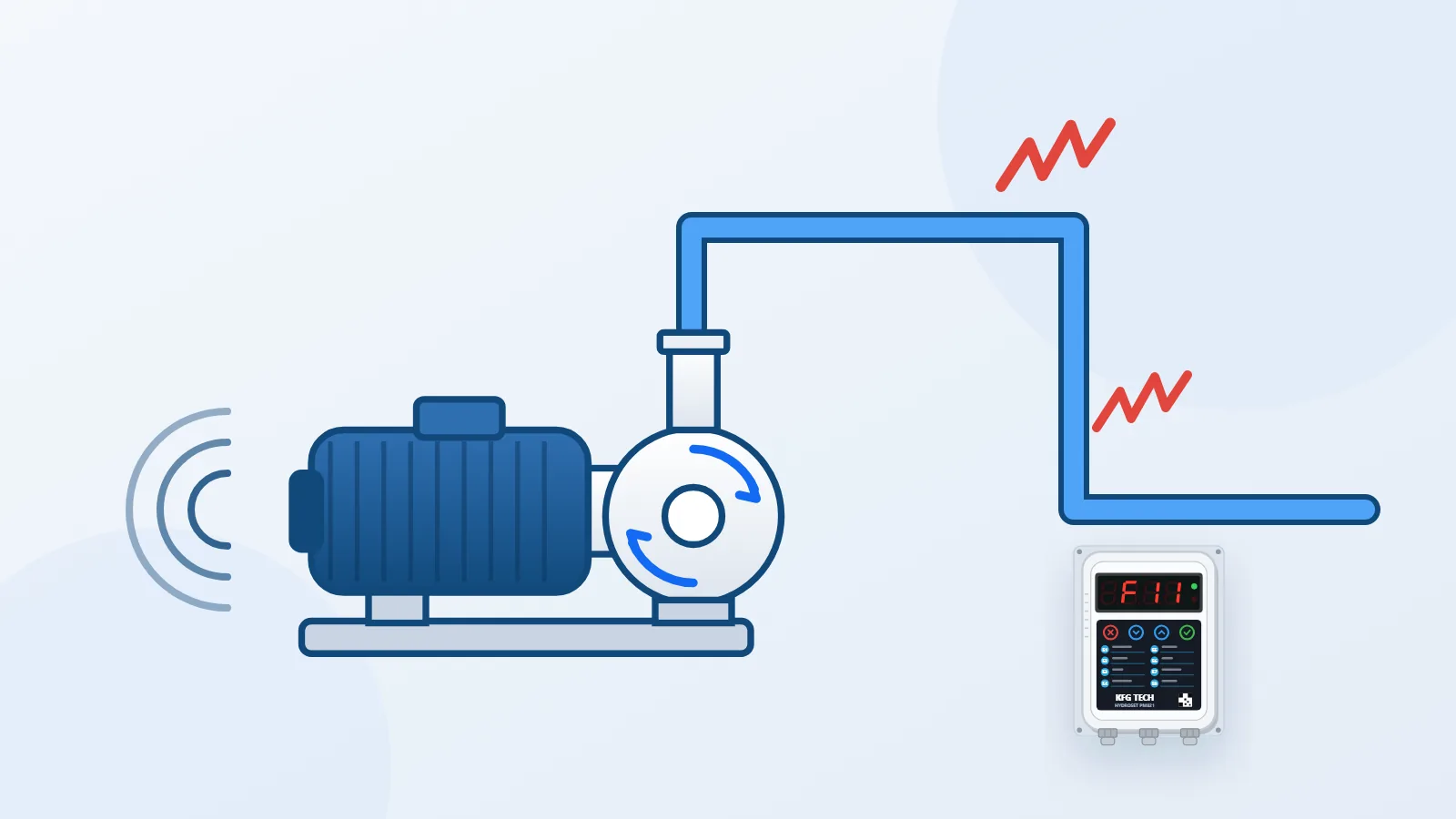
If the motor hums but the impeller does not turn, there are two main possibilities: the pump capacitor has failed, or the pump shaft has seized. In both cases switch off the power and do not leave the pump switched on. In a seized pump the current rises and the controller stops the pump with an over-current fault (E1); you can see this in the pump controller simulator.
The pump has overheated
Most pumps have a thermal switch inside that cuts the current when the pump gets too hot. The controller then sees no current and shows E2. Let the pump cool down and find the cause of the overheating: Why does a water pump overheat?
The order to check
| Display | Check this first |
|---|---|
| Off | Miniature circuit breaker and incoming power |
| Unit name | Wait 30 seconds |
| Fault code | That code's page |
| Pressure above F2 | Normal behaviour |
| Pressure below F2, no fault | F7, then the capacitor and the pump itself |